



Interactive Installation Design: From Sensor to Visitor Response
Plan interactive installations with clear visitor actions, suitable sensors, useful feedback, and reliable resets. Includes an interaction test worksheet.
Interactive installation design connects a visitor’s action to a clear, meaningful response in a physical space. The system detects an input, interprets it, changes the experience, and prepares for the next action. Good design makes that relationship understandable to the visitor and manageable for the operator.
The first question is what the visitor thinks will happen. If someone reaches toward a surface, turns a control, or steps into a zone, the response should make the result of that action clear. An impressive visual effect can still feel confusing if the relationship is hidden.
Write the interaction as a sequence
Describe the experience in plain language before choosing sensors. For example: a visitor places a sample on a marked area; the installation identifies it; an explanation appears; removing the sample returns the interface to its starting state.
That description reveals questions the team can test. Can two samples be placed together? What happens if the item sits partly outside the marked area? Does the system need to recognise identity, position, movement, or simply presence?
Use a state table to make the logic reviewable.
| State | Visitor sees | System expects | Exit condition |
|---|---|---|---|
| Idle | A clear invitation | A valid starting action | Start detected |
| Active | Immediate acknowledgement | A permitted input | Selection confirmed |
| Result | A useful response | Continue, finish, or leave | Completion or timeout |
| Reset | A clear transition | No new session yet | System ready |
| Unavailable | An honest alternative | Operator attention if needed | Recovery confirmed |
This table is an original planning tool. Adapt its states to the actual installation rather than forcing every experience into the same pattern.
Select sensing around the input
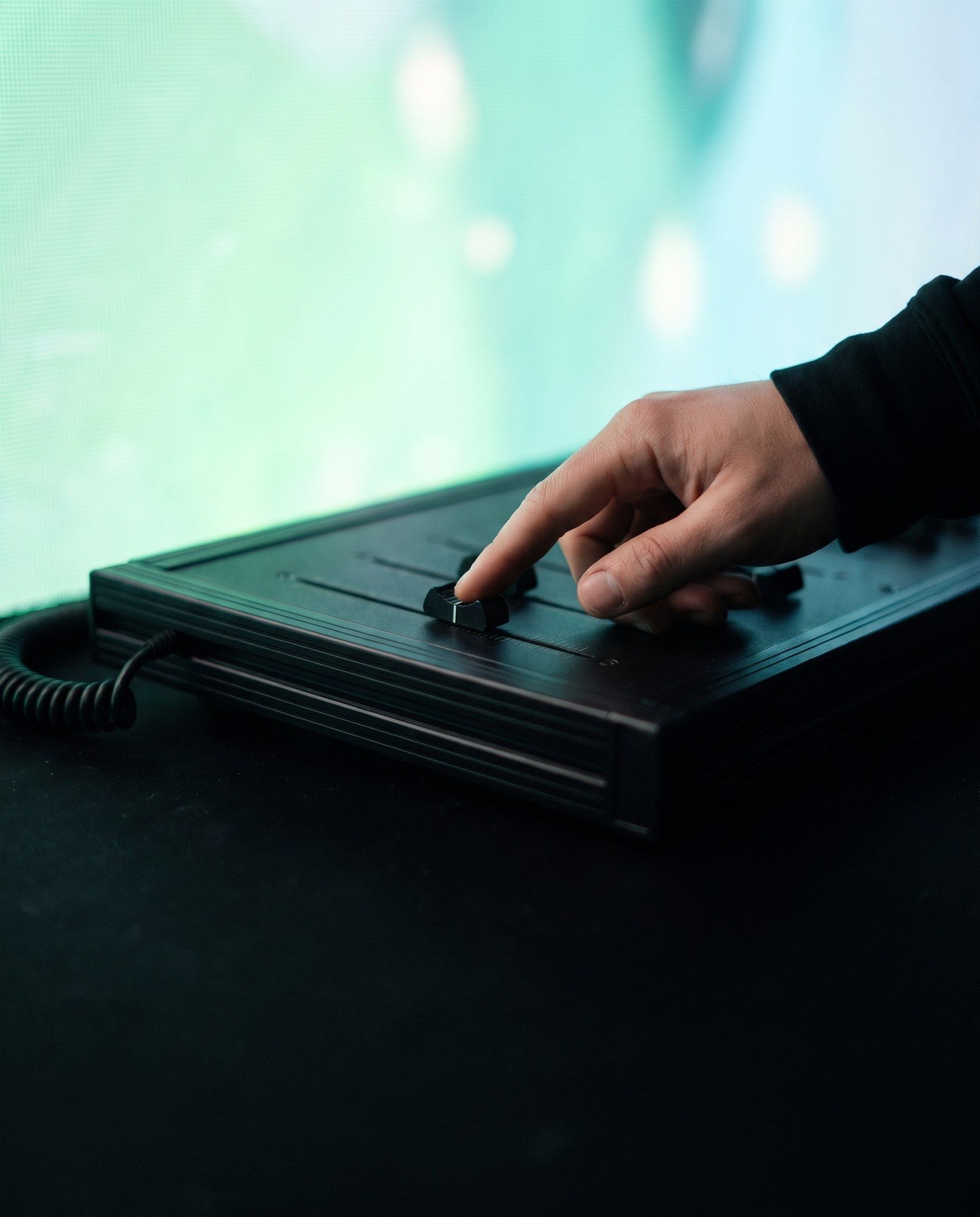
A button provides an explicit action. Touch can support selection and exploration. Object identification can connect physical products to digital information. Depth or camera sensing may support movement-based interaction. Pressure or proximity sensing can detect a more limited event without interpreting a detailed gesture.
For object identification, GS1 explains how RFID systems use tags and readers. Applying that technology to an exhibit still requires decisions about read zones, object materials, adjacent items, and the software response.
Choose the minimum sensing complexity that can support the intended interaction. More information is not automatically more useful. If the installation only needs to know that a visitor pressed “start,” detailed body tracking may add work without improving the experience.
Test the environment, not just the sensor
A sensor demonstration on a quiet desk does not establish performance in a crowded venue. Lighting, reflections, background movement, nearby equipment, physical obstructions, and audience behaviour may affect the chosen method.
Create a test scene that includes the difficult conditions. Try different approach directions, heights, speeds, and simultaneous actions. Check what happens when someone watches from the edge of the sensing area or enters after another visitor has already started.
Describe a successful result in observable terms. “Feels responsive” can begin the discussion, but acceptance also needs defined actions, expected feedback, and a way to identify missed or unintended triggers.
Make feedback immediate and useful
The installation should acknowledge an accepted action while longer work happens in the background. A subtle highlight, a progress indicator, or a short sound can explain that the system has responded. Avoid making visitors repeat an action because they cannot tell whether it registered.
Also explain limits. If only one person can control the experience, make that visible. If an object is not recognised, show a useful instruction rather than leaving the screen unchanged.
For digital interfaces, W3C’s WCAG guidance is a useful reference for understandable controls and alternatives. A physical installation also needs its own access and usability assessment; a web accessibility reference does not certify the whole environment.
Design a reset visitors can understand
An abandoned interaction should not leave the next person trapped in someone else’s session. Decide when inactivity triggers a prompt, when a session ends, and which information must be cleared.
Make the operator reset different from the visitor controls where appropriate. The operator may need diagnostics, calibration, or a restart procedure that should not be exposed during public use. Document those functions before handover.
A practical interaction test worksheet
For each test, record the starting state, input, expected response, observed response, conditions, and pass or fail. Include an empty-space test, one visitor, multiple visitors, an interrupted session, a lost connection, and a return after recovery.
Use these observations to change the interaction, sensing, instructions, or layout. An extra sign cannot always fix an input method that contradicts what visitors naturally try to do.
Frequently asked questions
Is gesture interaction better than touch?
It depends on the task. Gesture can support expressive movement; touch can provide precise, familiar selection. Test the choice against accuracy, access, environment, and instruction needs.
Can an installation work without the internet?
Some can run locally. Others depend on cloud services, remote content, or account systems. Define the dependency and fallback for each function.
How do you prevent accidental triggers?
Possible approaches include a deliberate start action, defined sensing zones, confirmation steps, and filtering repeated signals. The suitable combination depends on the technology and visitor behaviour.
Make the interaction concrete
Send XSEDES your interaction idea with a sketch of the action and response. Use our prototype planning guide to test the uncertain part and our event technology brief to capture the operating conditions.
More on display and interaction.
-
Projection Mapping vs LED Wall: Which Fits Your Experience?
-
Kinetic Installations: Planning Movement for Brand Experiences
-
AR vs VR vs MR: Choosing a Format for Brand Experiences