Projection Mapping vs LED Wall: Which Fits Your Experience?
Compare projection mapping and LED walls for immersive experiences, product launches, and exhibitions, including light, geometry, content, and access.
Projection mapping vs LED wall is a choice between projecting light onto a surface and displaying imagery on an emissive panel system. Projection can integrate visuals with physical geometry. LED can create a defined digital image surface. The suitable option depends on ambient light, viewing conditions, space, content, and installation requirements.
Start by describing the desired experience. Should an existing object appear to transform? Should a group read detailed information? Will cameras record the result? A display choice becomes clearer when those requirements are explicit.
What is projection mapping?
Projection mapping aligns projected media with a physical surface. That surface may be a wall, scenic object, model, or architectural feature. The content is prepared or adjusted so visual elements correspond to the intended geometry.
Epson’s projection mapping overview introduces the technique and its applications to physical surfaces. In a project brief, the important distinction is that the surface, projector position, and content work together. Changing one can affect the others.
Projection needs an unobstructed optical path. People or objects entering that path can cast shadows. Surface colour, texture, geometry, and ambient illumination also affect the observed result, so a representative test is more useful than judging brightness from a specification alone.
What is an LED wall?
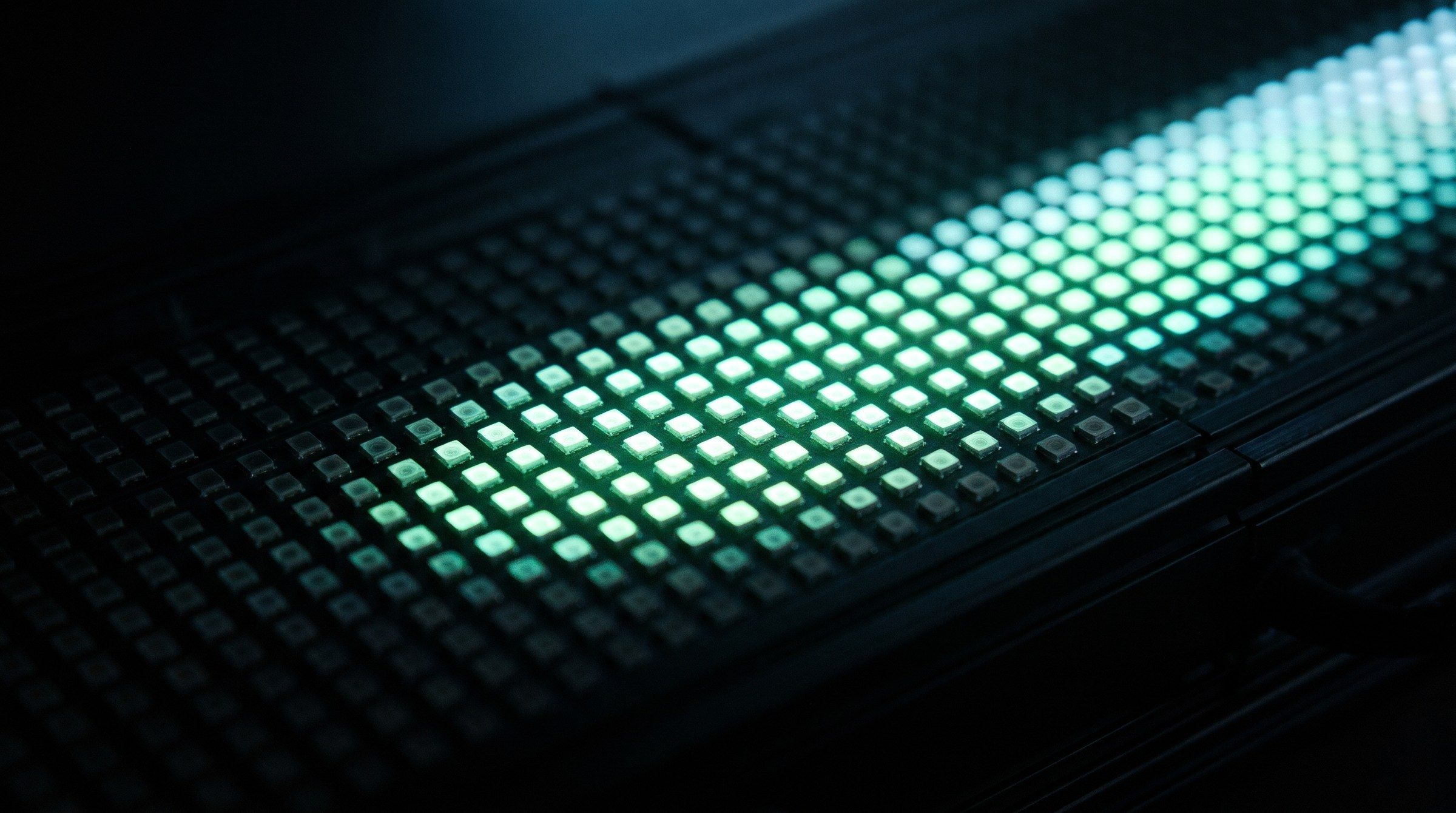
An LED wall combines panels or modules into a display surface. Its configuration determines the image canvas, viewing geometry, structural requirements, and maintenance access. The audience sees light from the display itself rather than a reflected projected image.
That does not make every LED wall suitable for every venue. Brightness needs to suit the environment and audience comfort. Fine content needs to remain legible at the intended distance. Processor settings, refresh behaviour, and camera setup matter when the display will be filmed.
Compare the systems against the site
| Decision factor | Projection mapping | LED wall |
|---|---|---|
| Physical relationship | Can map imagery onto existing shapes | Provides an assembled digital surface |
| Ambient light | Contrast depends strongly on surrounding light and surface conditions | Emissive output can help in brighter settings; verify the chosen system |
| Space and access | Needs projector placement, lens planning, and clear light paths | Needs support, cabling, service access, and suitable panel geometry |
| Content canvas | Must account for mapped surfaces and viewing positions | Must match actual resolution, layout, and processor mapping |
| Close viewing | Depends on image scale, optics, and surface | Depends partly on pixel pitch, layout, and distance |
| Installation changes | Surface or projector movement can require recalibration | Panel or processor changes can require remapping and calibration |
Neither system removes the need for competent installation planning. Structural, electrical, access, and venue requirements should be reviewed by the responsible specialists.
Use projection when the physical object carries the story
Consider a hypothetical launch where a sculpted product model appears to reveal its internal layers. Projection may support that idea because the media belongs to the object’s form. The design challenge includes the model finish, viewing positions, light control, and the accuracy of alignment.
If the same campaign instead needs a consistently visible presentation canvas behind a speaker, a suitable LED configuration may be easier to fit to that requirement. These examples illustrate a decision method rather than a universal rule.
Avoid choosing projection solely because it sounds immersive. Avoid choosing LED solely because it is familiar. Each should earn its place through the audience and site requirements.
Specify content before requesting a quote
Ask for a canvas diagram showing dimensions, resolution, unusual shapes, and visible seams or surface transitions. Confirm who creates and approves it. The creative team should know where critical text, faces, product details, and movement will appear.
For multi-surface imagery, include the transitions between surfaces in the content review. A sequence can look convincing on a desktop preview and read differently from the main audience position. Review sightlines and scale using representative material.
If multiple computers render a shared scene, the control and rendering architecture needs attention too. Epic Games documents nDisplay as one approach to coordinating rendering across display devices. It is an implementation option, not a reason to add complexity to a simple playback requirement.
Compare total installed cost
Request comparable scopes. A projector price and an LED panel rate do not describe the whole delivery. Include media creation, processing, structures, cabling, access equipment, installation, calibration, rehearsal, operators, and removal.
For touring work, include packing and reinstallation. For permanent work, include servicing and replacement access. A lower initial equipment figure can lead to a different overall result once those requirements are visible.
Use a display acceptance checklist
Before signing off, check the image from the actual viewing areas under the expected lighting. Review small text, dark scenes, movement, camera capture where relevant, and the approved fallback. Record the test conditions so an approval in one environment is not mistaken for approval in every environment.
Frequently asked questions
Is LED always brighter than projection?
Compare specific systems in their intended setting. LED is emissive; projection depends on reflected light and surface conditions. A useful decision considers observed contrast, audience comfort, and operating conditions rather than a broad category claim.
Can projection mapping and LED be combined?
Yes. They can serve different surfaces or storytelling roles. The combined design still needs consistent content, cueing, colour review, and a clear operational plan.
Which option is cheaper?
There is no reliable answer without the site, size, run duration, content scope, and installation requirements. Compare total delivered scopes rather than isolated equipment rates.
Choose the display after defining the experience
Share your display brief with XSEDES, including site photographs, dimensions, lighting conditions, and content requirements. Continue with immersive experience design and the cost planning guide before requesting comparable proposals.
More on display and interaction.
-
Interactive Installation Design: From Sensor to Visitor Response
-
Kinetic Installations: Planning Movement for Brand Experiences
-
AR vs VR vs MR: Choosing a Format for Brand Experiences