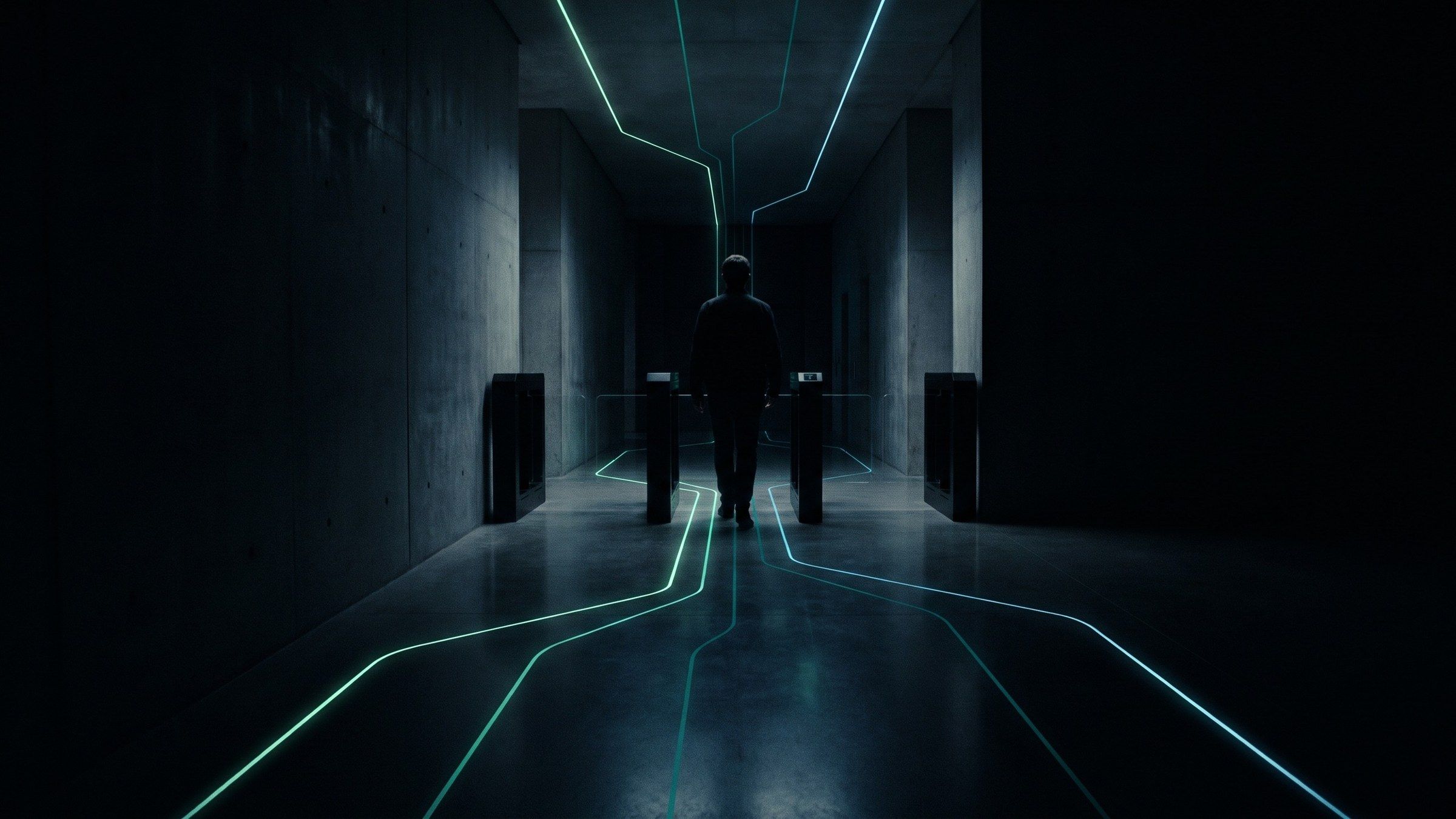
Interactive Exhibition Technology: Design for Better Conversations
Use interactive exhibition technology to explain products and support useful sales conversations. Plan the demo, visitor flow, content, and handoff.
Interactive exhibition technology gives visitors an active way to explore a product, service, or idea at a stand. It can support demonstrations, comparisons, simulations, and guided choices. Its value depends on whether the interaction makes the offer easier to understand and helps the right conversation happen.
For B2B exhibitors, attention is only the beginning. A busy stand can still leave visitors unsure what the company does. Start with the question a prospective buyer is trying to answer, then design an interaction that helps them move forward.
Turn the product story into a visitor task
Choose one important question: Which configuration fits my application? What changes under this operating condition? How does this component work inside a larger system?
Give the visitor a task that reveals the answer. They might select a use case, compare a physical sample, or change a variable in a guided demonstration. Keep the result tied to accurate product information rather than a generic animation.
For a hypothetical industrial exhibitor, a visitor could choose an application and see the relevant component in a simplified system diagram. A representative could then discuss the real specification. The installation helps start the conversation; it does not replace technical qualification. This is an illustrative example, not an XSEDES case study.
Design three layers of engagement
Different visitors have different amounts of time. A useful stand can offer a visible invitation, a concise interaction, and a deeper discussion without forcing everyone through the same sequence.
| Layer | Visitor need | Design response |
|---|---|---|
| Aisle view | Understand what is being offered | One visible idea and an understandable action |
| Hands-on interaction | Explore a relevant question | A short task with a clear result |
| Staff conversation | Discuss fit, requirements, or next steps | A representative receives useful context |
Check how these layers coexist. A queue should not conceal the invitation. A long consultation should not prevent another visitor from starting an independent demo. Staff need room to assist without standing in the display’s main sightline.
Make the result useful to the sales team
Agree on what the representative needs to know after an interaction. A selected application or saved configuration may be more useful than a game score. Give the visitor a clear choice about continuing the discussion.
If the experience records events, distinguish anonymous interaction data from contact details and qualified enquiries. Decide who owns the follow-up and how the data reaches the correct team. Avoid creating a separate spreadsheet that nobody is responsible for reviewing.
For configurable products, identify where the experience is illustrative and where it uses validated specifications. A visual demonstration should not silently imply that every combination is available or technically suitable.
Plan for exhibition conditions
Exhibitions introduce shared constraints: build windows, venue access, neighbouring sound, changing lighting, network availability, power locations, and stand boundaries. Confirm the actual conditions with the organiser and stand contractor.
Make screens and controls readable from the expected positions. Keep important content visible around the people using the installation. Provide a practical alternative for a visitor who cannot comfortably use the primary interface.
W3C’s accessibility guidance can inform the digital interface. Physical reach, circulation, and the exhibition setting also need to be considered in the stand design.
Prepare a content and revision register
An exhibition demo often draws on several departments. Marketing supplies the message, product specialists supply accurate information, and the technical team needs final media and approved interaction logic.
Create a register with each screen or state, its owner, source material, language, approval status, and delivery deadline. Include error messages, idle screens, and the final handoff. These small pieces of copy affect whether the installation feels complete.
For international exhibitions, confirm the required languages and who reviews technical translations. Also establish which local team can resolve a hardware issue if the originating supplier is in another country.
If you are considering a headset or mobile format, compare the visitor and operating requirements in AR vs VR vs MR for brand experiences.
Rehearse with the people who will use it
Have booth staff try the installation without a developer explaining every step. Ask them to demonstrate the product, recover an abandoned session, and describe what happens when a service is unavailable.
Use a readiness checklist covering the approved content, final canvas, start-up sequence, demo reset, staff explanation, spare plan, and fault escalation. The aim is a repeatable demonstration that supports the stand’s commercial purpose.
Frequently asked questions
Do interactive exhibition stands need large screens?
No. A smaller physical interface or product demonstration may be easier to understand. Choose display size around visibility, content, viewing distance, and stand layout.
Can an interactive demo support lead generation?
Yes, when the interaction connects to a defined qualification and follow-up process. Participation counts alone do not establish lead quality.
Should the demo work offline?
If connectivity is uncertain, assess which functions can run locally and what visitors should see when online functions are unavailable. Document those limits in the scope.
Make the stand easier to understand
Talk to XSEDES about your exhibition concept with the product story, stand plan, event location, and staff handoff requirements. Use the brand activation selection guide, interactive installation guide, and technical brief to develop a comparable scope.
More on brand experiences.
-
Brand Activation Technology: How to Choose the Right Experience
-
AI Photo Booths for Brand Activations: A Practical Planning Guide
-
What 520 AI portraits taught us about running a booth at a campus event.