
Immersive Retail Experiences: Connect the Space to the Product
Design immersive retail experiences that help people explore products, make choices, and speak to staff. Plan content, maintenance, and measurement.
Immersive retail experiences use the store environment, digital content, and interaction to help customers explore a brand or product. They work best when the experience supports a useful shopping task, such as understanding a feature, comparing options, or imagining an application. The technology should fit the space and the everyday work of store staff.
A compelling entrance may attract attention, but the next question is what happens after someone stops. Can they discover the relevant product? Can they make a choice? Does a staff member know how to continue the conversation?
Start with a moment of uncertainty
Identify where customers need help. A material may be difficult to compare. A product may have an internal feature that is hard to see. A configuration may be easier to understand at scale than in a brochure.
Use that uncertainty to define the interaction. A visitor could select a finish and view it in a room scene, place a product on a table to explore its features, or compare two configurations with a staff member.
For a hypothetical lighting showroom, customers might explore how several fixture types change a representative room scene. The experience would support discussion about an application, with actual specifications confirmed separately. It is a possible concept, not an XSEDES installation claim.
Give each area of the store a purpose
The same media treatment may not suit the shop window, product area, and consultation table. Decide which customer need belongs in each zone.
| Retail zone | Customer task | Possible experience role |
|---|---|---|
| Window or entrance | Understand the invitation | A concise, visible product story |
| Discovery area | Explore the category | A simple comparison or responsive display |
| Product area | Understand a specific item | Accurate feature content tied to a sample |
| Consultation area | Discuss options | A shared configurator or scenario tool |
| Exit or follow-up | Continue consideration | An optional saved selection or useful resource |
Check whether the installation obstructs browsing or staff movement. A visually impressive object that consumes the space needed for a product conversation may work against the brief.
Connect physical products to accurate content
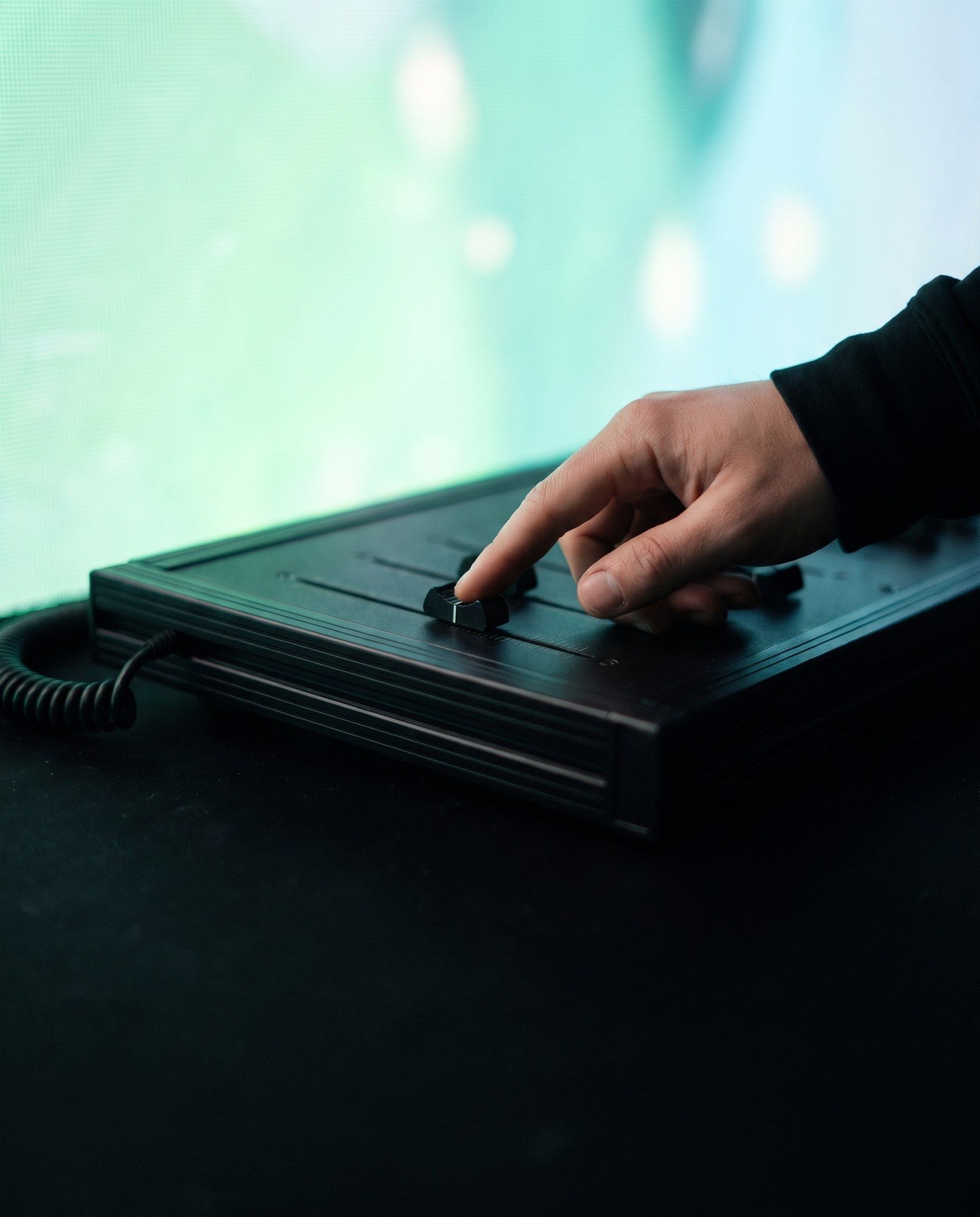
Object-based interaction can make a display feel direct: pick up or place an item, then receive information about it. The implementation might use identification, sensing, or a simpler staff-operated control.
GS1’s RFID explanation describes the relationship between tags and readers. In retail design, identifying an object is only one step. The system also needs the correct product record, approved content, and an understandable response.
Confirm what happens when products move, packaging changes, or an item is temporarily unavailable. Staff should not need to improvise around a display that presents an outdated range.
Design for the store’s operating rhythm
A permanent retail installation faces opening routines, cleaning, stock changes, deliveries, and staff turnover. Build these activities into the scope. Identify who checks the system each morning and who can resolve common issues.
Use an idle mode that remains useful when nobody interacts. If the system is temporarily unavailable, it should not prevent staff from explaining or selling the product. Provide a clear alternative appropriate to the store.
Review the experience under actual lighting and sound conditions. Screen glare, reflections, neighbouring audio, and customer movement can change how the installation is perceived. Test the interaction from the positions people will really use.
Define a content update process
Give each content item an owner, product reference, approval status, language, and review date. Separate campaign visuals from factual product information so an update does not accidentally leave the two inconsistent.
For multi-location stores, identify what remains consistent and what may differ locally. Product ranges, languages, service offers, and opening practices can vary. A shared visual concept still needs a controlled local content workflow.
Specify how updates are deployed and checked. Someone should be able to confirm that the correct store received the correct version, with a route back if a release is incomplete.
Measure assistance rather than assuming sales impact
Useful observations might include interaction starts, completed comparisons, staff-assisted sessions, and requests for additional information. Define each measure and record the conditions under which it is collected.
Do not attribute a sales change to the installation without considering promotions, stock, pricing, staffing, and other factors. A pilot can test whether the experience is understandable and useful before attempting stronger commercial conclusions.
If the installation collects personal information, define the purpose and data responsibilities separately. Many product exploration tasks can be designed without identifying the customer.
Frequently asked questions
Does immersive retail require a large installation?
No. A focused product interaction can be useful in a compact area. Scale should follow the customer task, layout, and operating model.
Can the same experience run in several stores?
Potentially, with a repeatable hardware design and content workflow. Review local space, products, language, connectivity, and servicing before rollout.
How can a retailer evaluate a pilot?
Observe usability, product understanding, staff adoption, reliability, and the agreed participation measures. Treat any commercial impact as a separate evaluation question.
Make the product easier to explore
Share your retail experience brief with XSEDES, including the customer task, store plan, product range, and update needs. Use interactive installation design and the prototyping guide to plan a focused pilot before wider deployment.
More on spatial experiences.
-
Immersive Experience Design: Plan the Journey Before the Screens
-
Interactive Museum Exhibits: Design for Learning and Daily Use
-
What Is Experiential Technology? A Guide for Agencies and Brands