

Immersive Experience Design: Plan the Journey Before the Screens
Plan immersive experience design around audience flow, story, sound, display, access, and operations. Includes a room-by-room journey worksheet.
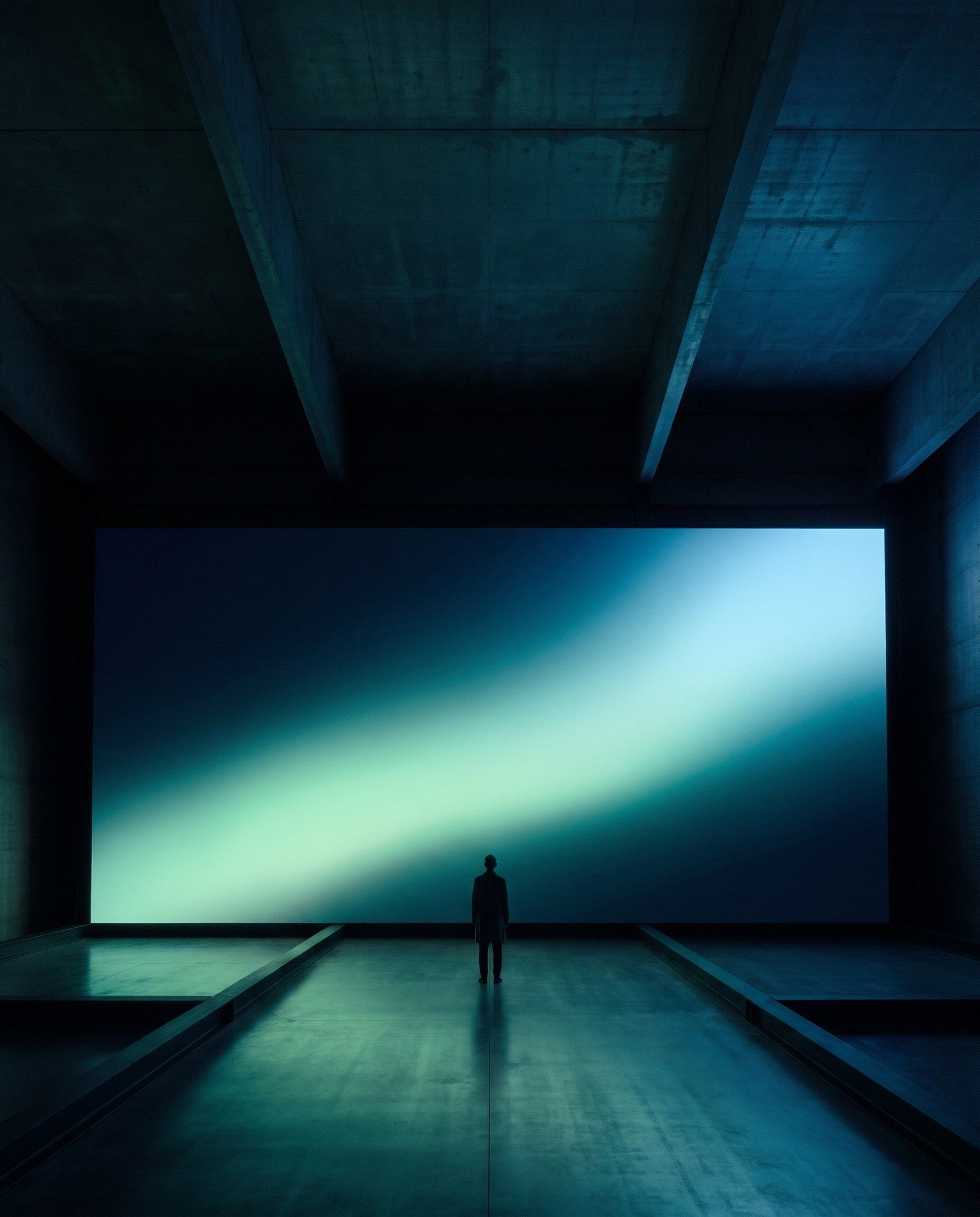
Immersive experience design coordinates a physical environment, story, media, and audience journey so visitors feel involved in a coherent experience. Screens may be part of it, alongside sound, light, objects, interaction, and spatial layout. The design starts with what people should notice and understand as they move through the space.
A room filled with imagery can create scale without creating a clear journey. Visitors still need an invitation, a way to orient themselves, a reason to stay, and an understandable exit. These needs become more important when several groups share the space.
Define the audience journey in three views
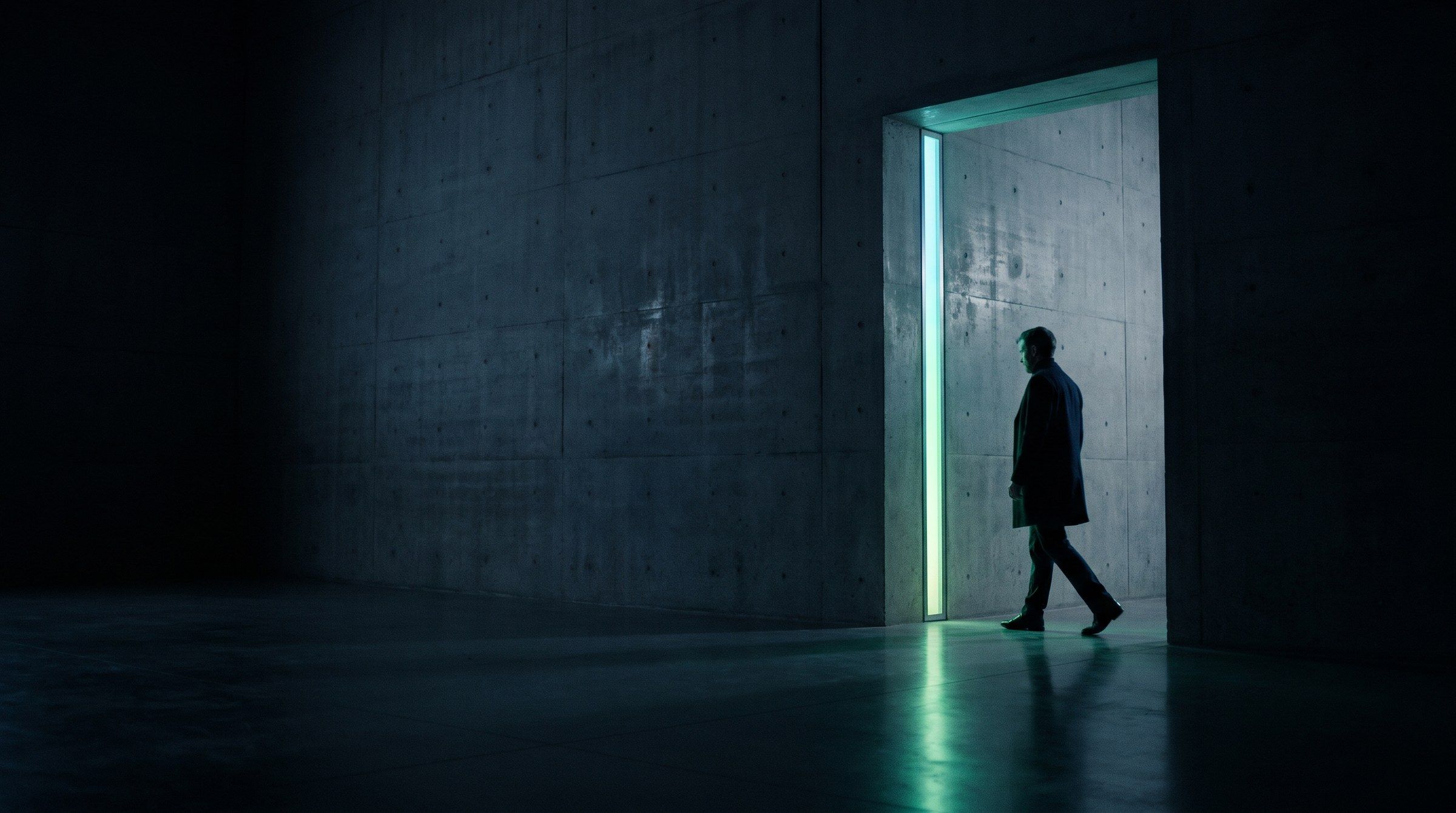
First, describe the experience from the visitor’s perspective. What attracts attention at the threshold? What changes after entering? Where does the key story become clear?
Second, map the physical journey. Include entrances, gathering areas, circulation, seating where appropriate, and exits. Consider whether visitors arrive continuously or enter as a scheduled group.
Third, map the operating journey. Identify how the team opens the space, starts a session, monitors it, responds to a fault, and prepares for the next group. The three views should agree before detailed media production begins.
Choose a narrative structure that fits attendance
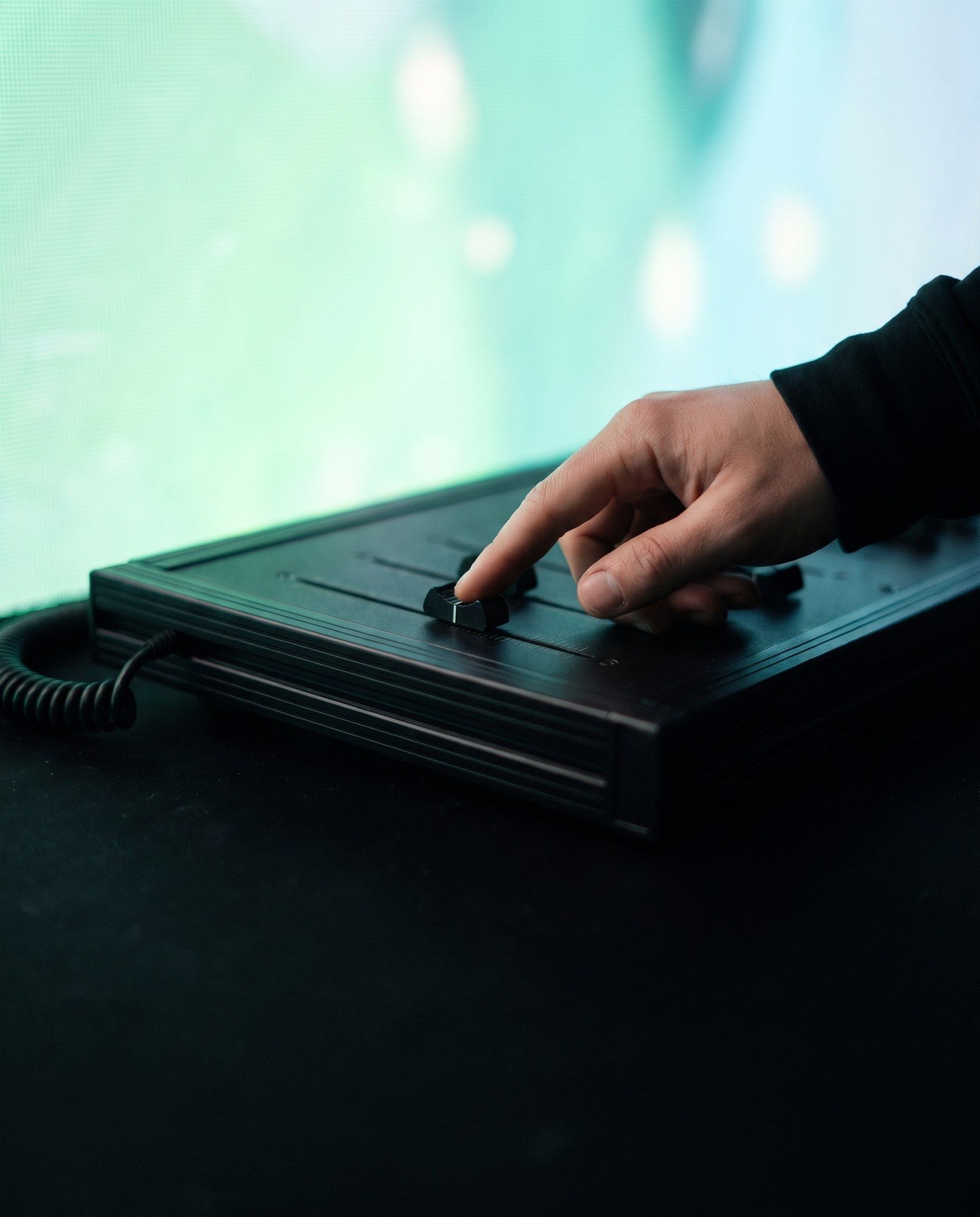
A linear story can suit a controlled session where everyone begins together. An open-ended environment may need a loop or several independent points of discovery. Interactive work needs a structure that remains understandable when visitors make different choices.
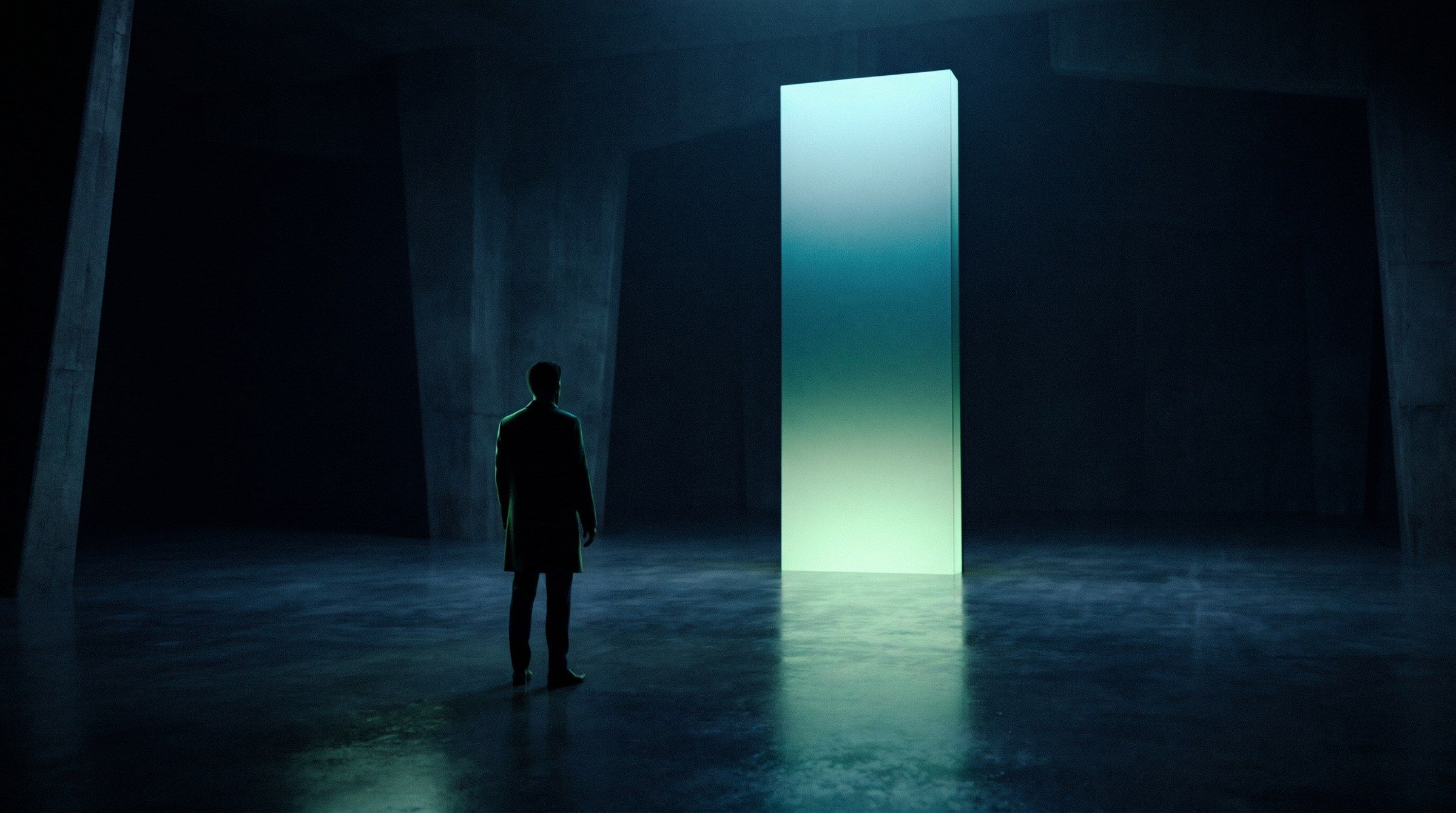
For a hypothetical visitor centre, a landscape story could begin with a physical model, expand into an enveloping media scene, and end at a station where visitors explore a local detail. The sequence gives each format a purpose. It is a possible design approach, not a description of an XSEDES project.
Decide what someone should understand if they experience only part of the sequence. This helps avoid a room where the central meaning is available only to visitors who happen to arrive at the correct moment.
Make a room-by-room experience schedule
| Zone | Visitor purpose | Media or physical role | Operational question |
|---|---|---|---|
| Threshold | Understand the invitation | Orientation and a visible point of interest | How is entry managed? |
| Introduction | Find the subject and context | A concise opening scene or object | Can late arrivals understand it? |
| Main experience | Explore or absorb the core idea | Coordinated environment and interaction | What happens at peak occupancy? |
| Reflection | Connect the story to a takeaway | A quieter explanation or choice | Can visitors pause without blocking flow? |
| Exit | Know what to do next | Clear route and optional follow-up | How does the next session begin? |
Use the schedule to assign intent to each surface and media element. If several systems repeat the same information without adding meaning, simplify.
Design sound alongside the visuals
Sound can establish location, signal an action, or guide attention. It can also make a space difficult to use if narration competes with neighbouring exhibits or visitors cannot find a quieter position.
Review acoustics, leakage, intelligibility, operating levels, and alternative ways to receive essential information. Avoid making the only explanation available through one sensory channel. Plan captions, text, tactile elements, or other appropriate access routes with the responsible specialists.
Smithsonian’s resources for museum professionals provide references for accessible exhibitions and inclusive digital interactives. These are useful design inputs; the requirements for a particular building and programme still need their own review.
Match the display system to the space
Projection can connect imagery to architecture and objects. LED and other displays can establish deliberate digital surfaces. Physical scenery and lighting can extend the experience beyond the image boundary.
Compare ambient light, sightlines, viewing distance, service access, and the final content canvas before choosing equipment. Our projection mapping vs LED wall guide sets out the practical questions.
Where imagery crosses multiple surfaces, review alignment and timing from the intended audience positions. Test representative scenes, including detailed content and dark transitions, rather than approving the design from a single still image.
Include comfort and recovery in the concept
Offer clear information about the nature of the experience before entry, especially where movement, intense media, or enclosed spaces are central. Give visitors an understandable route out and a meaningful alternative where the programme allows it.
Design the unavailable state too. A paused room can use a simple explanation and a clear route rather than leaving visitors uncertain. Operators need to know whether a fault affects one element or the entire session, and what they are permitted to do.
Frequently asked questions
Does an immersive room need floor-to-ceiling screens?
No. Immersion can come from coherent spatial storytelling, sound, light, physical elements, and interaction. The amount of display area should follow the concept.
Is interactive content essential?
No. A guided media environment may suit a shared story. Add interaction when visitor choice or action improves understanding or participation.
What should a venue decide before commissioning one?
Define the audience, attendance pattern, story, available space, operating model, access needs, and content ownership. Those decisions shape the technical scope.
Begin with the journey
Share your immersive experience brief with XSEDES, including the site plan and intended visitor journey. For longer-term environments, read interactive museum exhibits, immersive retail experiences, and prototyping experiential technology before committing to the final system.
More on spatial experiences.
-
Interactive Museum Exhibits: Design for Learning and Daily Use
-
Immersive Retail Experiences: Connect the Space to the Product
-
What Is Experiential Technology? A Guide for Agencies and Brands